
Ricoh GR III
Auto or Multi Auto White Balance on the Ricoh GR III?
Compare Auto and Multi Auto White Balance on the Ricoh GR III and learn when mixed light makes the distinction worth testing.
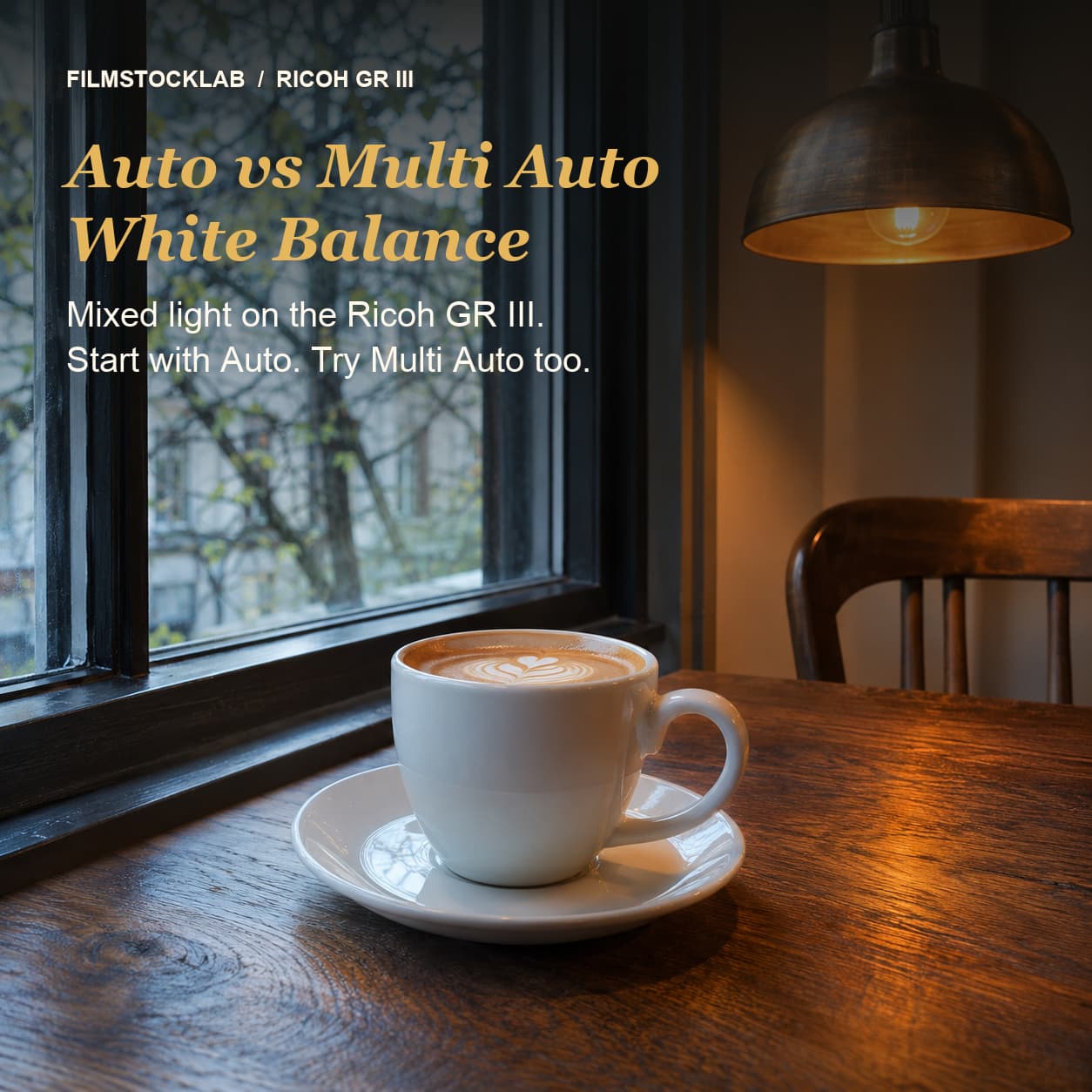
A café window can light one part of a scene with daylight while warm lamps illuminate another. Which white balance should you use on the Ricoh GR III? Start with Auto White Balance, then try Multi Auto when the different light sources are important to the image. Compare the results rather than assuming one will always look better.
What is the difference?
Ricoh describes Auto White Balance as automatically adjusting white balance. It describes Multi Auto White Balance as automatically optimizing it for separate areas under mixed light, such as sunlight and flash. The difference matters most when the scene has visibly different sources of illumination; it does not guarantee neutral colours or a preferred mood.
Multi Auto is not available in movie mode, according to the GR III operating manual. The manual also says that Average composite mode in multi-exposure uses Auto White Balance even if Multi Auto is selected. Available options can depend on camera model and firmware, so check the documentation for your camera if a setting is missing.
To choose a setting, open White Balance from the shooting screen, or use White Balance in the A3 menu. Select Auto or Multi Auto and confirm. The manual also documents fine-tuning if you want to adjust the colour further.
A practical comparison
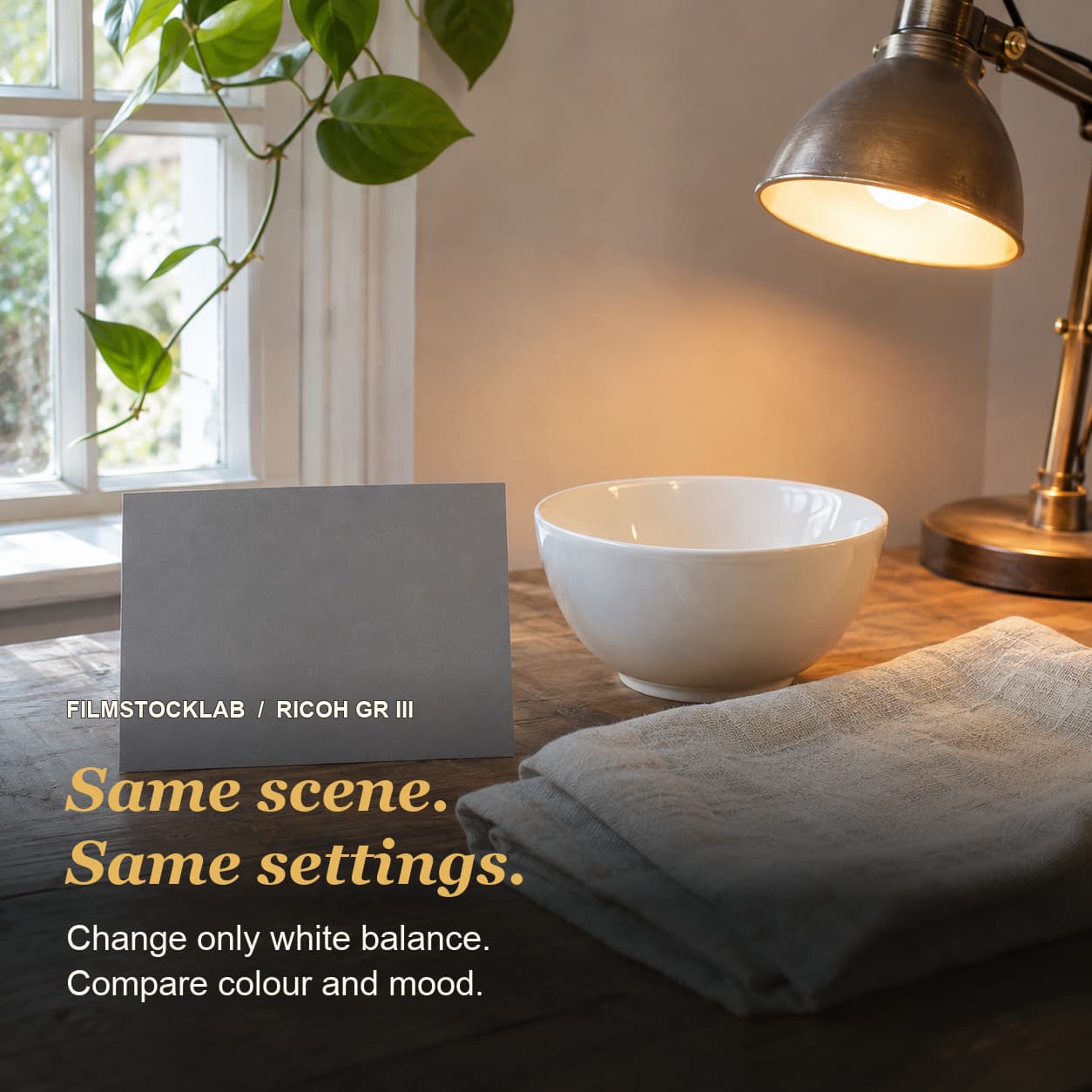
- Choose a still scene with two different light sources, such as a daylight window and a warm interior lamp. Include a neutral object if helpful, but also look at colours and atmosphere you want to preserve.
- Keep the framing, exposure and Image Control consistent. Photograph the scene with Auto White Balance.
- Change to Multi Auto White Balance and take another frame without moving the camera or changing the light.
- Compare the same areas in both images. Look for the colour of the lit wall, the neutral object and any transitions between light sources. Choose the rendering that serves the photograph.
- Repeat in a different scene before settling on a preference. Small changes in composition or lighting can affect an automatic result.
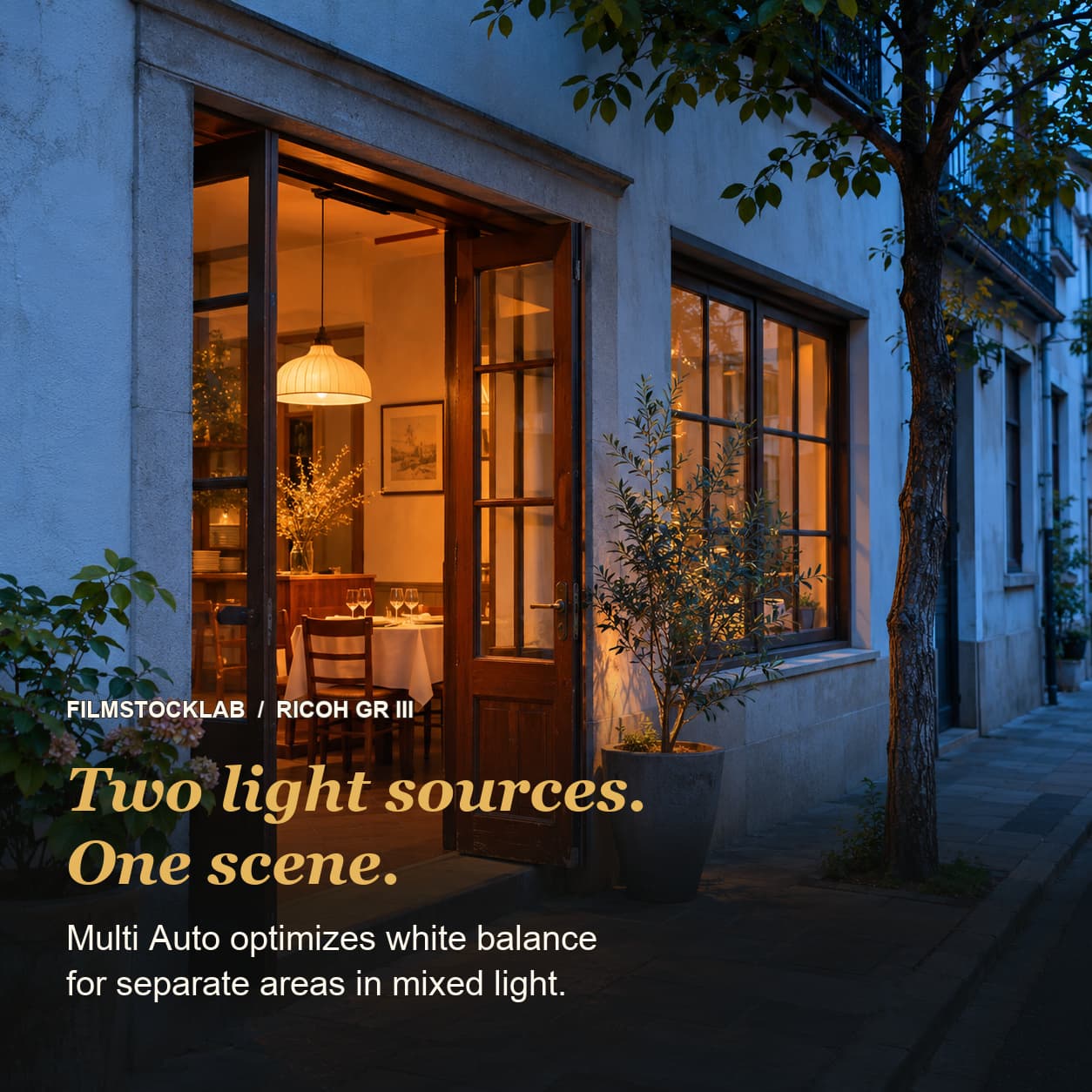
A neutral white is not always the goal. The warmth of a lamp or the coolness of shade can be part of the mood. If you want more predictable colour between frames under stable lighting, try an appropriate fixed preset or a manual white balance and compare it with Auto. Consistent settings do not prevent real changes in the light from affecting your photos.
What about film recipes?
White balance is one part of a recipe, not the same setting as Image Control. When recreating a recipe, note its specified white balance and any fine adjustment. Changing Auto to Multi Auto may change its rendering, so make a comparison before treating the two as interchangeable.
Takeaway: Auto is a sensible starting point. When a photograph mixes distinct light sources, try Multi Auto as well and decide which interpretation of the scene you prefer.
Sources
- Ricoh GR III Operating Manual, “Setting the White Balance”: https://www.ricoh-imaging.co.jp/english/support/man-pdf/gr-3.pdf
- Ricoh GR III / GR IIIx specifications, White Balance: https://www.ricoh-imaging.co.jp/english/products/gr-3/spec/