
Ricoh GR III
When Should You Use Full Press Snap on the Ricoh GR III?
Full Press Snap can skip autofocus on a quick full shutter press and shoot at a preset distance. Learn when that tradeoff helps, how it differs from a half-press, and what to test before relying on it.
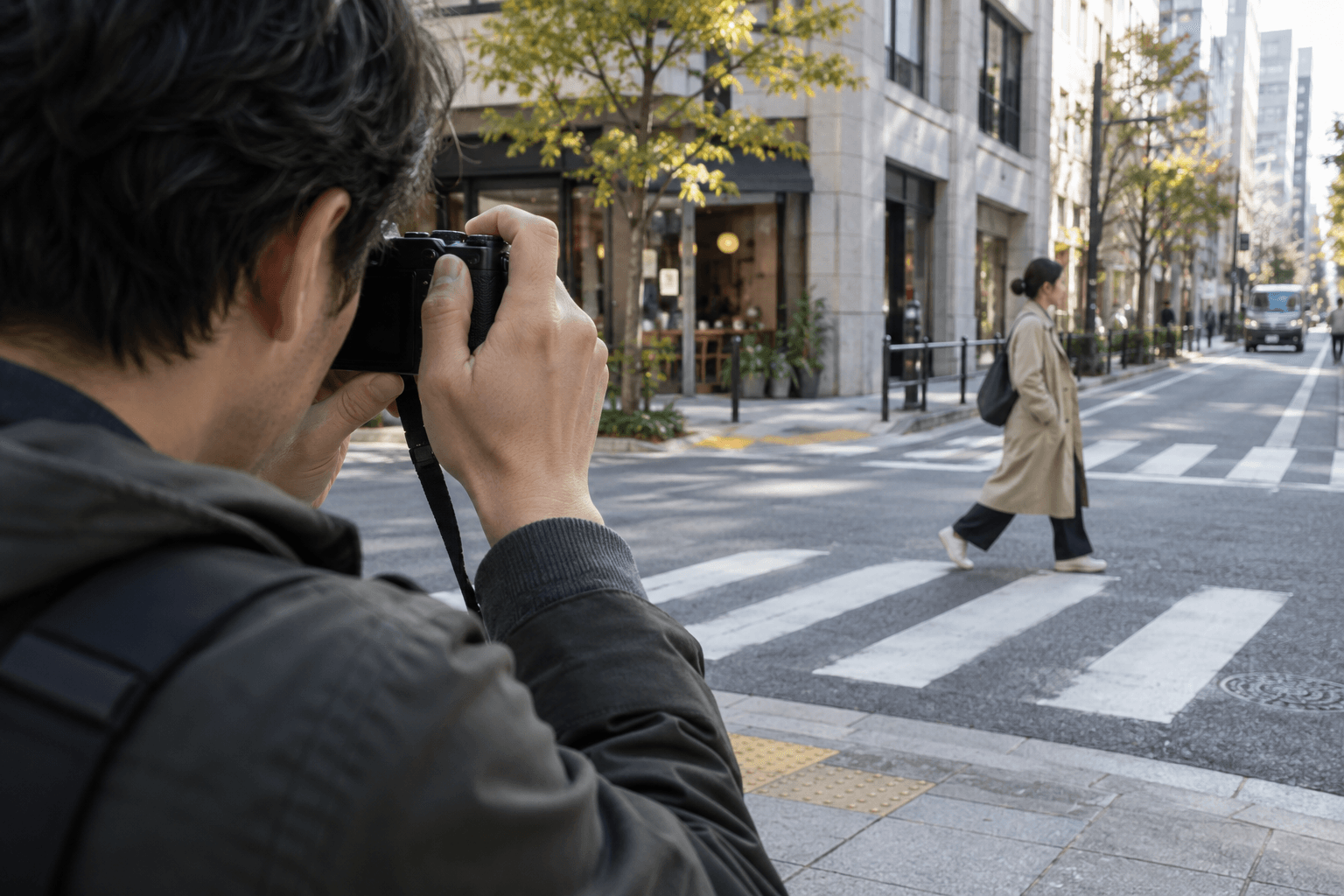
If you have ever half-pressed the shutter, waited for focus, then missed a moment, Full Press Snap is worth understanding. On the GR III, a quick full press can take the picture at the distance set in Snap Focus Distance instead of waiting for autofocus. That trades autofocus confirmation for speed: it is useful when you can predict roughly where your subject will be, and less forgiving when the subject is at an unexpected distance.
What Full Press Snap changes
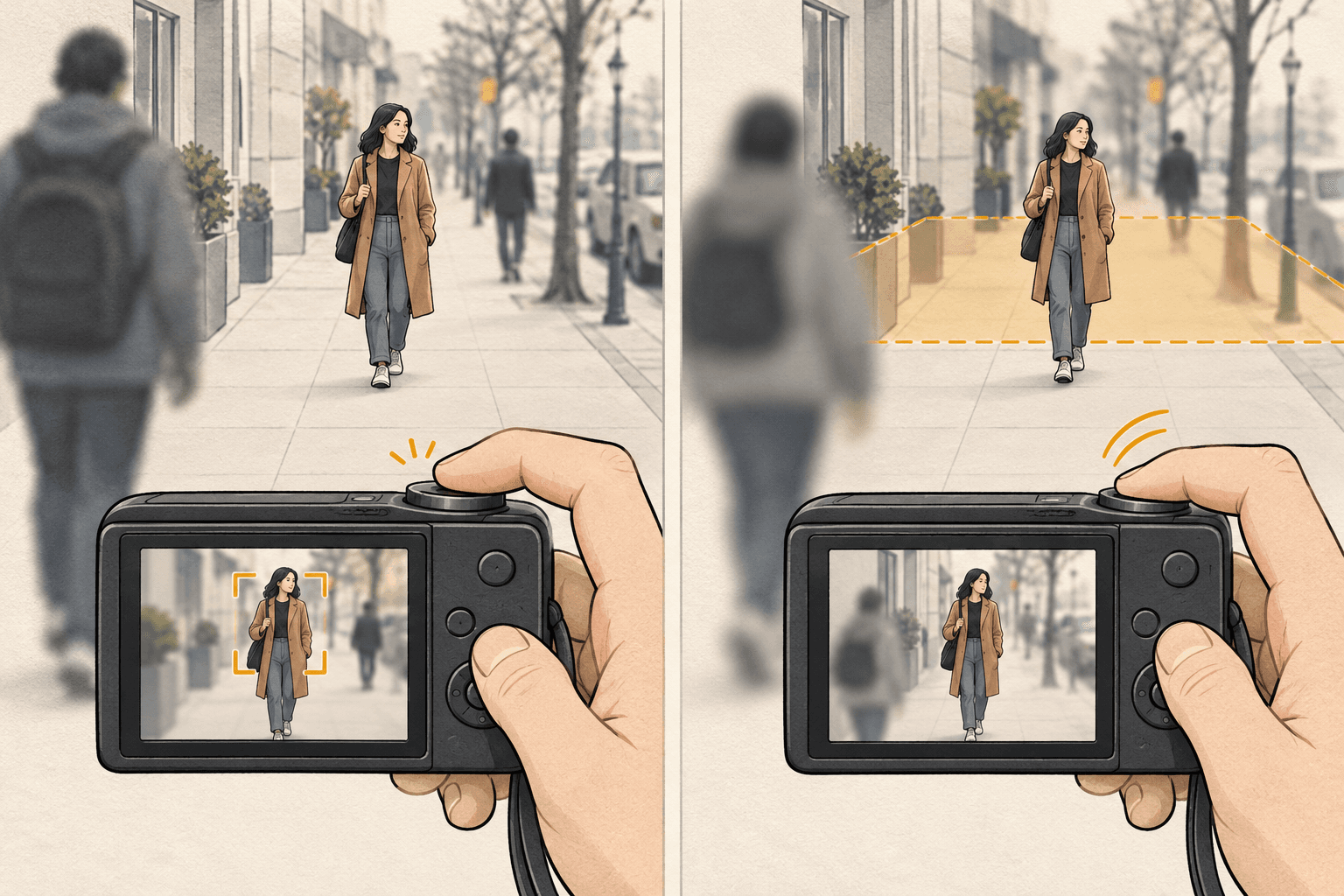
With Full Press Snap enabled, pressing the shutter fully and quickly makes the camera shoot at the preset snap distance. A half-press still uses the focus mode selected in the camera. Ricoh's manual also notes that the feature is unavailable in some situations, including Macro mode, manual focus, Snap or infinity focus mode, and the self-timer drive mode. Check the manual for the complete conditions.
That means the shutter press matters. If you want the camera to autofocus, half-press first and let it focus. If you press fully in one quick motion, the camera uses the preset distance instead.
Set it up and try it safely
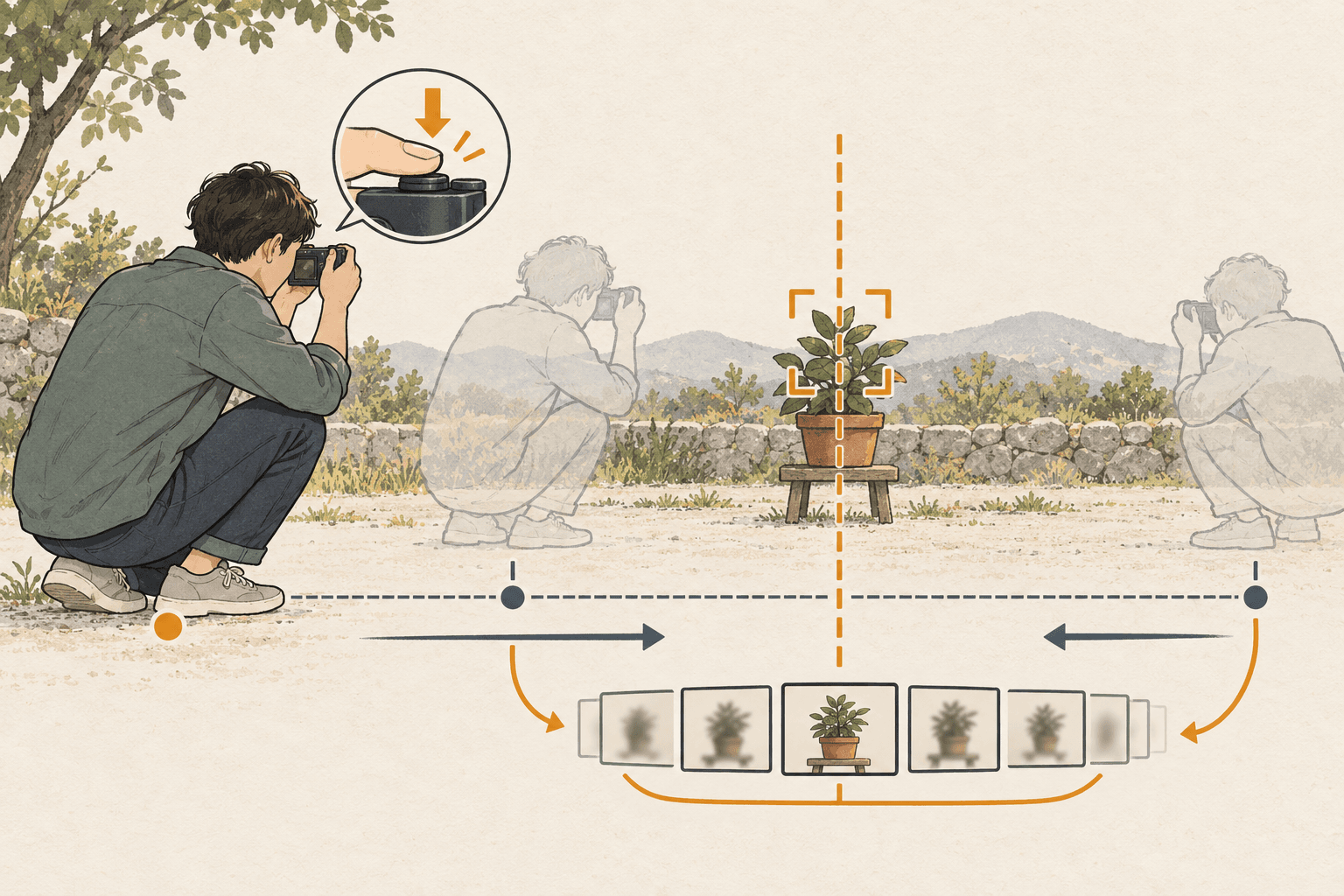
- Open the GR III's Snap Focus Distance setting and choose a distance that suits the scene you expect to photograph. The available choices depend on firmware; see the note below.
- Turn Full Press Snap on in the camera's focus settings.
- Confirm the Full Press Snap indicator and chosen distance on the shooting screen.
- In a low-pressure setting, make a few test frames of a stationary subject at the distance you chose. Then try one subject closer and one farther away so you can see how sensitive the result is to distance.
- For a moment where accurate focus matters more than speed, half-press to autofocus rather than making a quick full press.
Do not treat one distance as a universal street-photography setting. Your subject distance, aperture, light, and framing all affect whether a frame looks acceptably sharp. Use the test frames to learn how your chosen setup behaves, and change the preset when your working distance changes.
Check your firmware before following old advice
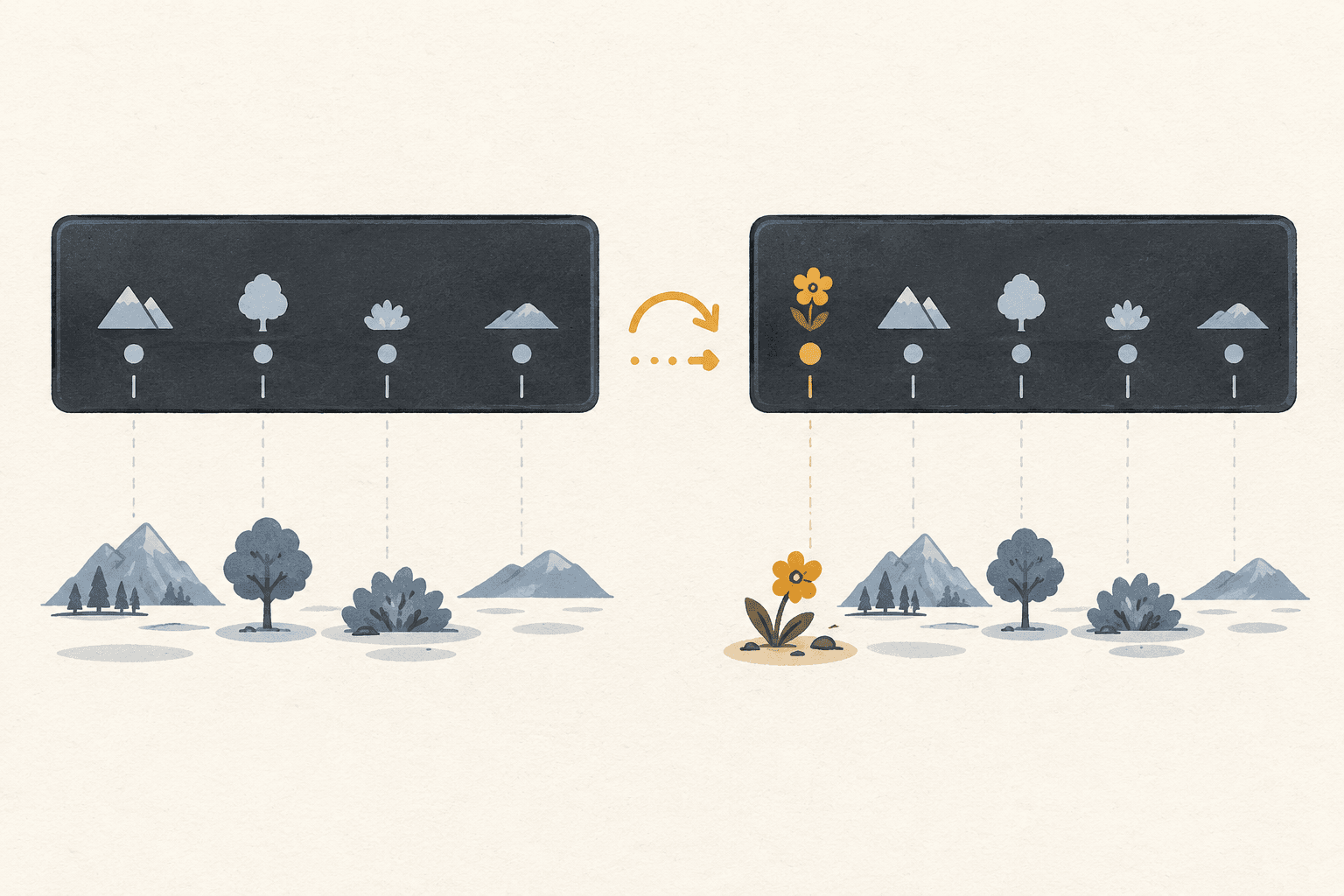
Ricoh has added options to the GR III through firmware updates. Ricoh's GR III firmware version 2.10 added a 0.3 m Snap Focus Distance option; earlier versions may not show it. If that distance is missing from your menu, check your camera's firmware and Ricoh's update notes rather than assuming your camera is faulty.
Also distinguish Snap focus mode from Full Press Snap. The first is a focus-mode choice that fixes focus at the selected distance. Full Press Snap is a shutter behavior used with supported autofocus settings: a quick full press shoots at the preset distance, while a half-press can still autofocus.
Use it with a recipe, not instead of one
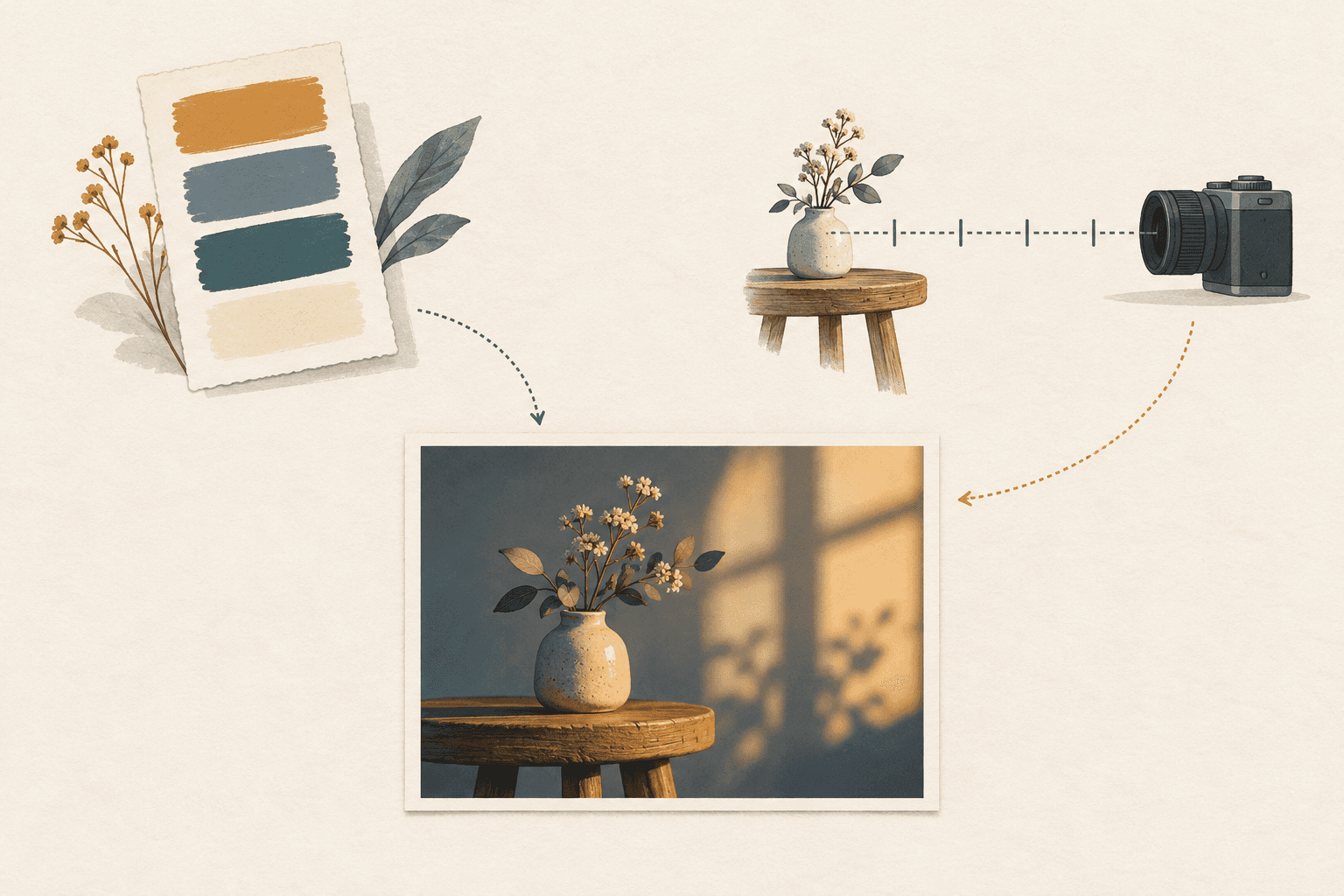
A film recipe describes image settings, not a guaranteed focusing method. When you find a GR III recipe in the FilmStockLab recipe library, check its camera tag and settings, then decide separately whether Full Press Snap fits the scene you plan to shoot. Save a focus approach only if it is part of the setup you actually want to recall; otherwise, keep focus choice flexible for the outing.
Quick check before you head out
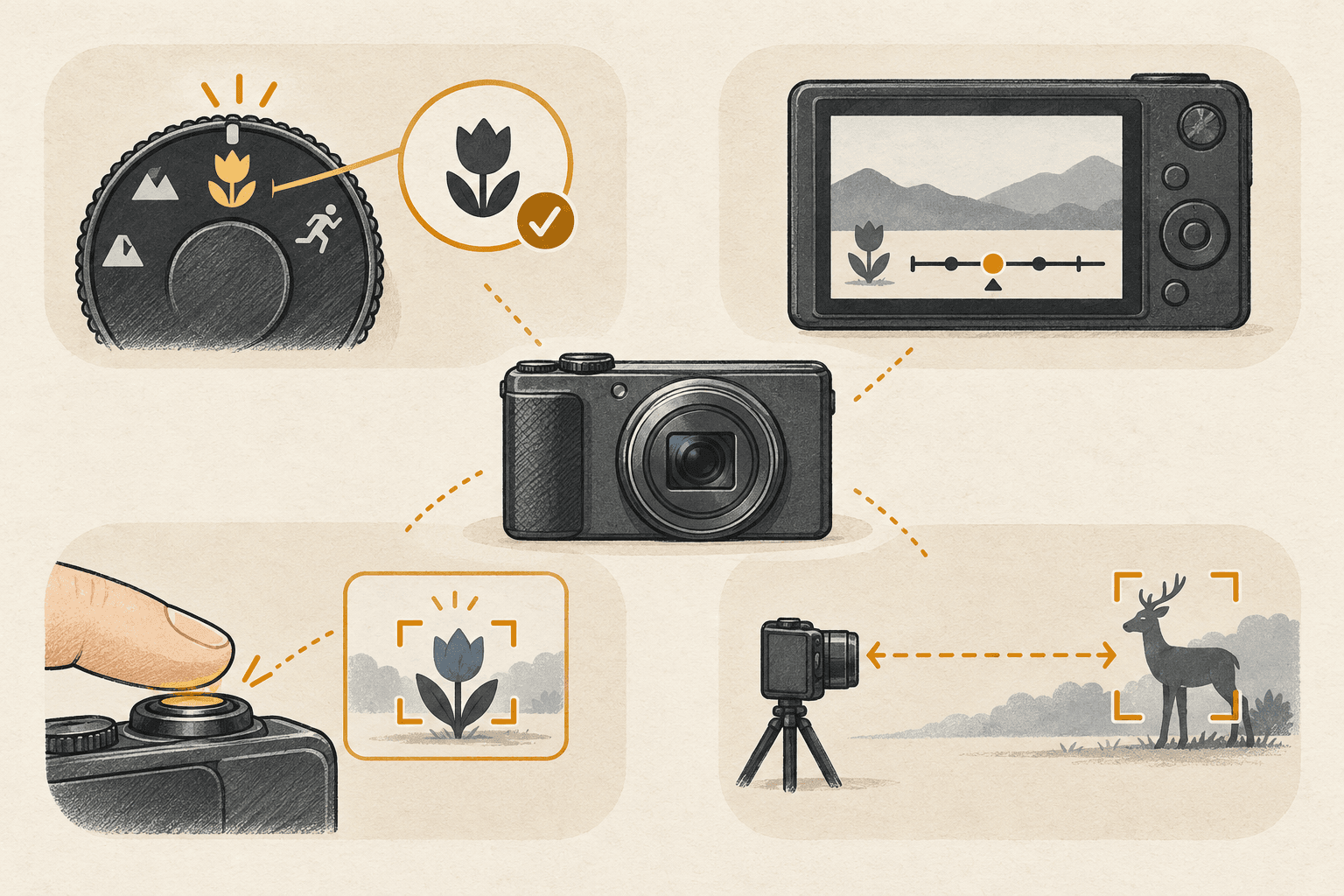
- Is the camera in a mode where Full Press Snap is available?
- Is the intended snap distance visible on screen?
- Do you know when you will half-press for autofocus instead?
- Have you tested the distance with a subject at the range you expect to use?
Full Press Snap is not a replacement for autofocus in every situation. It is a deliberate shortcut for scenes where a preset distance is a reasonable bet. Try it before you need it, and you will know when the speed is worth the tradeoff.
Sources
- RICOH GR III Operating Manual — Full Press Snap behavior, half-press behavior, and usage restrictions.
- Ricoh GR III function-expansion information — firmware-added options, including the 0.3 m snap distance.
- RICOH GR III/GR IIIx specifications — focus modes and Full Press Snap specifications.
- Ricoh Film Recipes | FilmStockLab — live recipe library and camera tags.